
Use cases
These are the searches teams pin to a page. Each one is a single CQL query. Paste it into the CQL Search macro.
Updated .
Space index
Put this on the space home page. New pages show up without anyone editing the list. Sort by title when the space is a catalog, or by lastModified when it is a log.
space = currentSpace() AND type = page ORDER BY title ASCColumns: Title, Modified, Creator. Page size 25.
Quiet pages
A cleanup page for content nobody has touched in half a year. The date stays relative, so you do not edit the macro every Monday.
type = page AND space = currentSpace() AND lastModified < now("-180d") ORDER BY lastModified ASC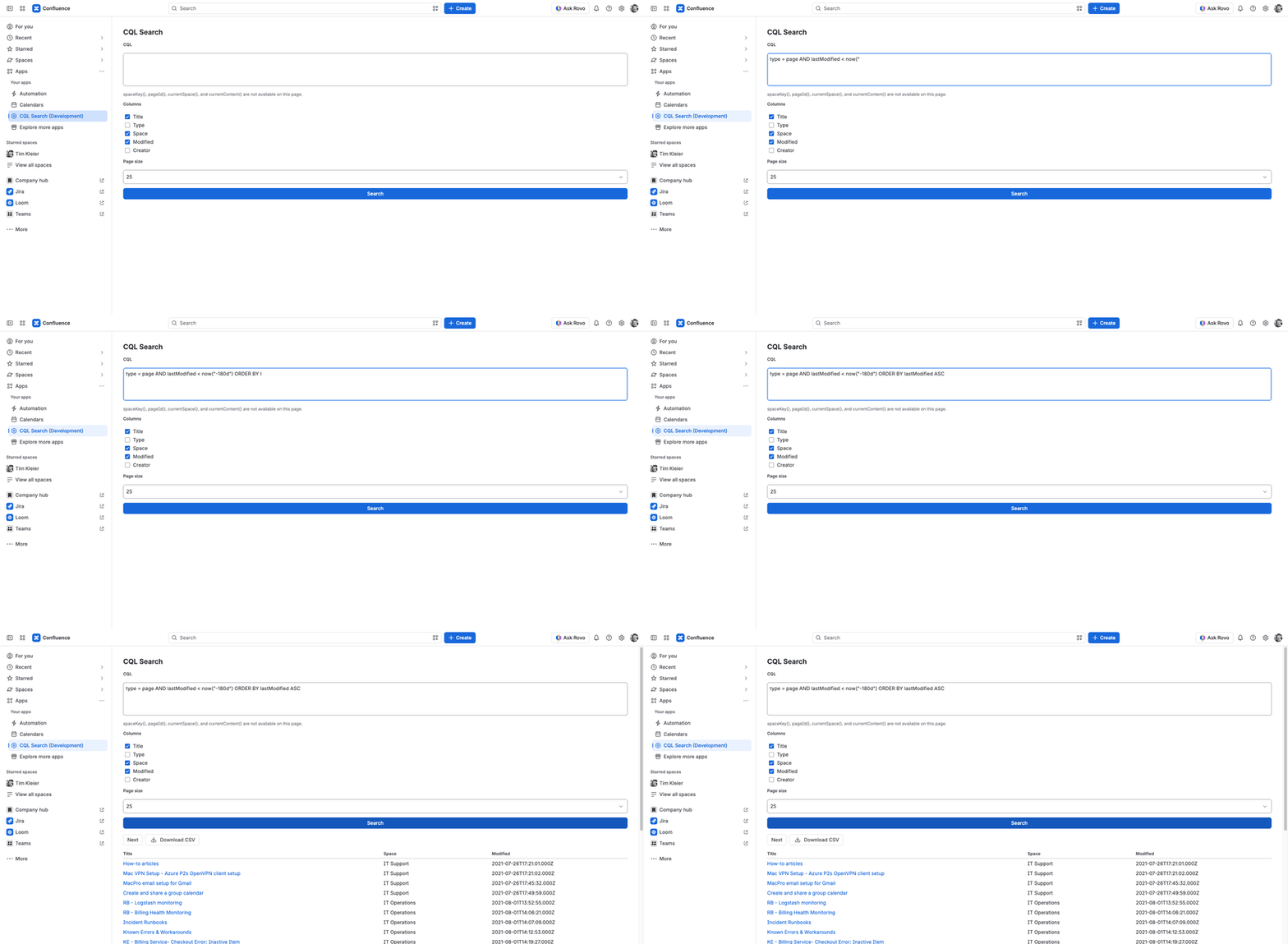
Columns: Title, Modified, Creator. Read it as a review list, not as a delete button. The app does not change or remove pages.
Contributions
On a team home page, this table is different for every reader. Confluence fills in currentUser() when that person opens the page.
type = page AND contributor = currentUser() ORDER BY lastModified DESCColumns: Title, Space, Modified. It works in the macro and on the Apps page.
Title search
When the useful pages share a word in the title, search that word and pin the table. ~ matches the text. It does not have to be the whole title.
type = page AND title ~ "runbook" ORDER BY lastModified DESC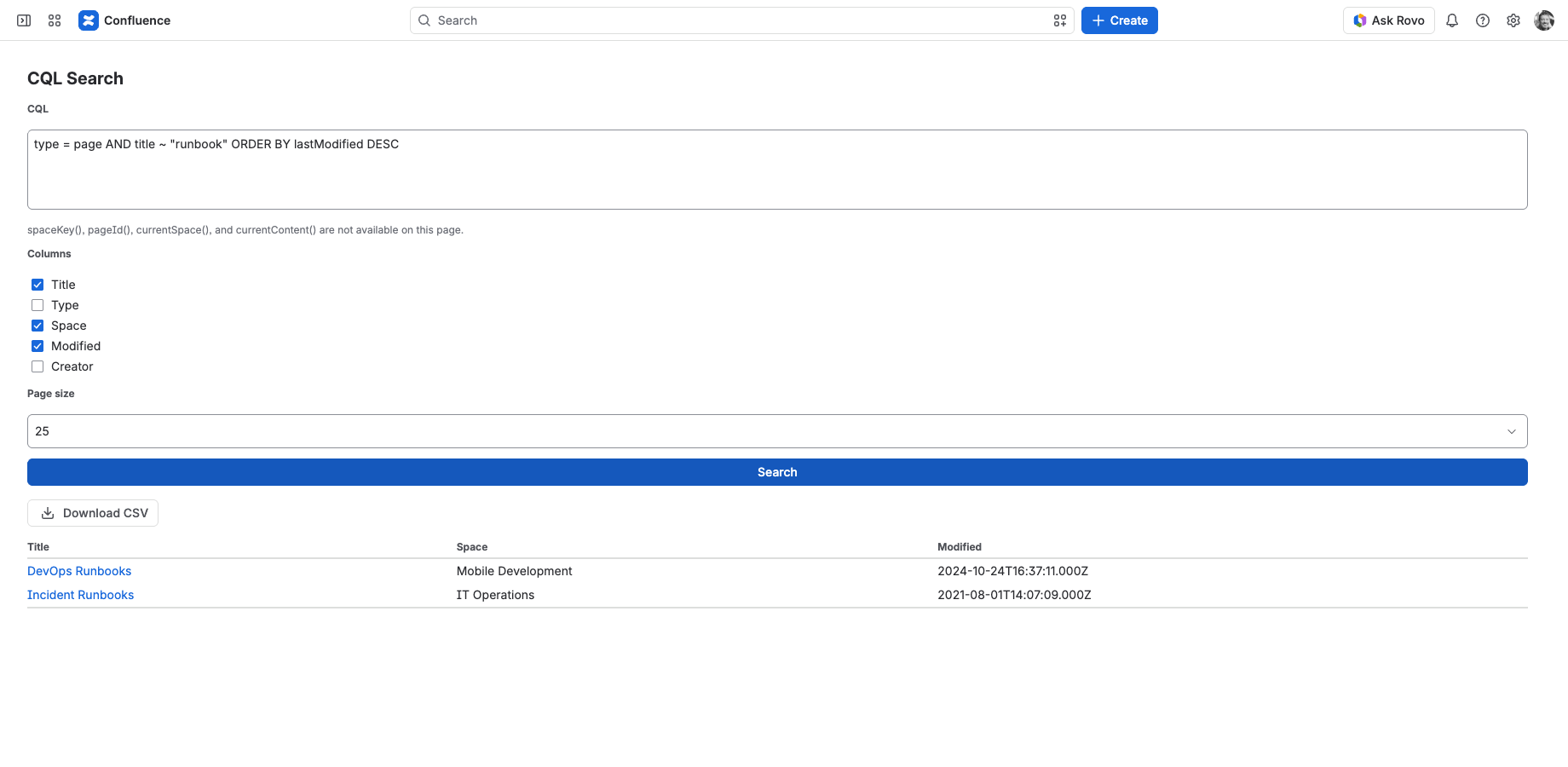
Columns: Title, Space, Modified.
Labeled files
Label the attachments handbook, then pin the list somewhere people start their day.
type = attachment AND label = "handbook" ORDER BY lastModified DESCColumns: Title, Space, Modified. Title opens the attachment.
Child pages
Useful under a project or policy page, where the children are the current set of docs.
parent = currentContent() AND type = page ORDER BY title ASCThis token only works in the macro. ancestor = currentContent() lists every descendant, not only the next level.